
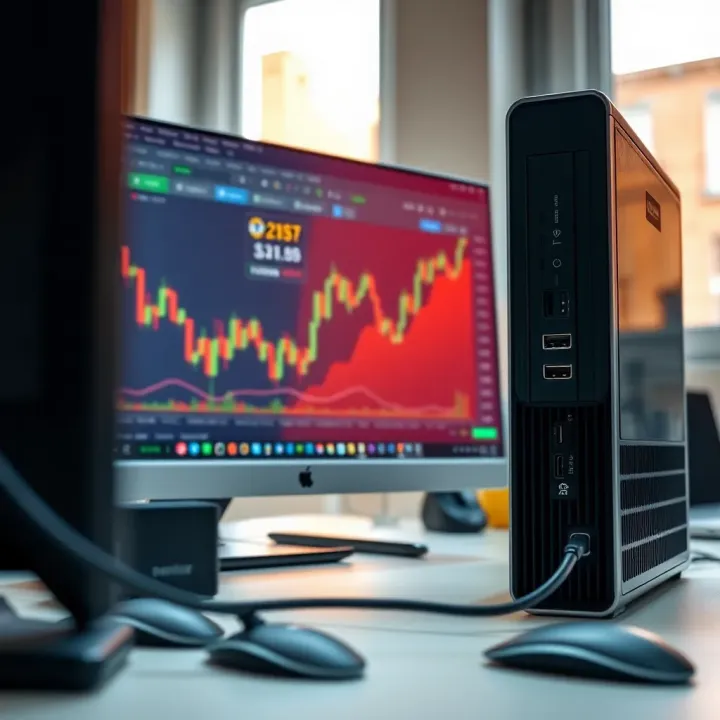
Choosing the Best PC for Trading in India
Find your ideal PC for trading in India 🇮🇳 with tips on processing power, connectivity, reliability, budget, and software to trade smoothly & cost-effectively 💻📈
Edited By
Isabella King
Choosing the right computer for trading is more than just picking a fast machine. Traders rely on software that processes large streams of market data in real time while running complex charting tools and executing trades promptly. This demands a system tailored to handle these specific tasks without lag or downtime.
In India, trading setups vary from simple laptops used by beginners to multi-monitor rigs for professional traders monitoring several markets simultaneously. The key is matching your computer's capabilities with your trading style and the software's demands. For example, if you use high-frequency trading or algorithmic tools, a powerful processor and sufficient RAM become critical. On the other hand, casual investors might prioritise reliability and connectivity over raw speed.
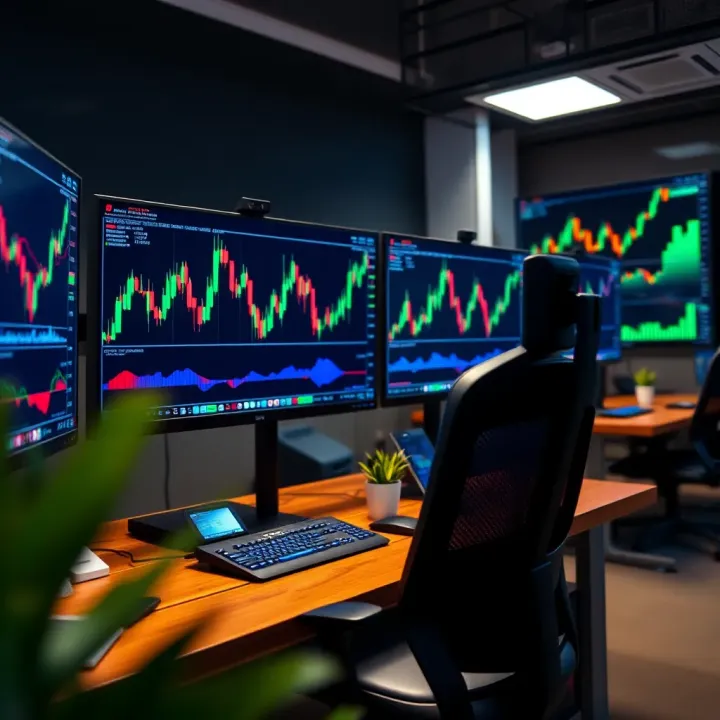
It's not just about hardware. Having the right software setup and stable internet connection are equally important to minimise disruptions. For instance, using trading platforms like Zerodha Kite or Upstox requires a system that can run browser tabs and multiple applications smoothly for quick decision-making.
A slow or underpowered computer can delay order execution, potentially costing you valuable trades.
This guide will walk you through the essentials—from choosing processors and RAM size to understanding the importance of solid-state drives (SSD) and network capabilities in a trading environment. It will also touch on how budget considerations play into making practical choices without compromising performance.
By the end, you'll have clear pointers to select a system that supports efficient, smooth trading operations aligned with your needs in the Indian market.
Choosing the right computer for trading means focusing on specific hardware features that can keep up with fast-paced market action. A trading computer needs to handle real-time data feeds, multiple charts, and trading platforms smoothly without delays or crashes. For instance, a slow processor can cause lag during critical moments, potentially leading to missed trades or wrong decisions.
Processor capabilities and speed play a central role in trading computers. Trading software runs calculations, processes market data, and executes orders rapidly. A processor with higher clock speeds and multiple cores, such as an Intel Core i5 or Ryzen 5 and above, ensures the system won’t bottleneck while managing multiple trading windows or complex algorithms. This can be the difference between seamless order execution and frustrating delays.
When it comes to RAM importance for multitasking, traders often run multiple applications simultaneously—browser tabs, trading terminals, news feeds, and Excel sheets for analysis. Insufficient RAM leads to slowdowns and frequent system freezes. At least 8GB RAM is recommended, but 16GB or more comes handy for heavy multitasking. It helps keep everything running smoothly, especially during volatile market hours when speed is essential.
For graphics processing and multiple monitors support, many traders prefer two or three screens to monitor diverse assets simultaneously. A dedicated graphics card, even a mid-range one like NVIDIA GTX 1650 or equivalent AMD models, supports multiple high-resolution displays without lag. Integrated graphics generally struggle with more than one monitor, so investing in a decent GPU enhances workflow and reduces eye strain.
Deciding between Solid State Drives (SSD) and Hard Disk Drives (HDD) affects how quickly your system boots and loads trading software. SSDs provide much faster data access and improved reliability, making them ideal for trading setups. HDDs offer more storage for less cost but are slower and more prone to mechanical failure. Most traders benefit from an SSD as their primary drive, paired with an HDD for archival storage if needed.
As for storage capacity for data and software, trading platforms and financial data do not usually demand large storage, but frequent downloading of historical data and charts might increase needs over time. A 256GB SSD can be enough for software and daily operations; however, opting for 512GB or higher helps avoid constant clean-ups and supports future needs.
The benefits of faster storage in trading include reduced application launch times and quicker response when switching between tools. This speed can improve trader reaction times and software reliability during spikes in market volatility where every millisecond matters.
System stability for uninterrupted trading is non-negotiable. Unexpected software crashes or hardware failures can cause financial losses. Using reliable components, regularly updating drivers, and keeping the system free from bloat help maintain stable performance. Traders might also want to avoid budget systems that lack quality control.
Brand reliability and warranty support become critical during the investment in trading computers. Opt for well-known manufacturers like Dell, HP, or Lenovo, which provide dependable hardware and prompt warranty services in India. A good warranty reduces downtime and repair hassles.
Finally, the importance of cooling and power backup cannot be ignored. Trading sessions may run for hours; overheating can throttle performance or cause abrupt shutdowns. A well-ventilated machine or those with additional cooling fans is preferred. An Uninterruptible Power Supply (UPS) safeguards against sudden power cuts, allowing you to save work and exit cleanly.
Choosing the right combination of processor speed, memory, storage, and reliability ensures your trading computer supports fast, consistent, and accurate decision-making every day.
These essentials frame the foundation of a trading rig that can handle real Indian market conditions and evolving software requirements effectively.
Choosing the right software and operating system (OS) is as critical as picking the right hardware for trading computers. The software should run smoothly, securely, and remain compatible with the trading platforms commonly used in India. Likewise, the OS must support these platforms efficiently, enabling quick data processing and real-time market updates without hiccups.
India’s trading environment hosts several popular platforms like Zerodha’s Kite, Upstox Pro, Sharekhan, and Angel Broking’s app. Each software demands specific system capabilities and sometimes unique OS requirements. For instance, Zerodha Kite runs well on both Windows and macOS but features enhanced responsiveness on the latest Windows 10 and 11 versions due to native browser optimisations.
Operating system compatibility is crucial. Most trading software expects a 64-bit Windows OS with up-to-date service packs or the latest macOS editions. Trading software typically performs best on Windows because developers invest more in Windows versions given their broader user base in India. Linux is rarely supported by mainstream trading apps, although technically savvy users can run Windows-based software via virtual machines or Wine, but this adds complexity and potential instability.
Software updates and security patches keep your trading platform reliable and safe. Regular updates fix bugs, improve speed, and patch vulnerabilities that hackers might exploit. Failing to update software and OS promptly can lead to software crashes or even data breaches, risking financial losses. For example, during major market events, software that isn’t updated may freeze or lag, causing missed trades. Therefore, enabling automatic updates or scheduling regular manual checks is good practice.
Antivirus programs and firewalls act as your first line of defence against malware, phishing attacks, and unwanted intrusions. Since trading involves sensitive personal and financial data, a robust antivirus — such as Kaspersky, Norton, or Quick Heal — combined with the built-in firewall provided by Windows Defender or specialised third-party firewalls helps prevent unauthorized access.
Data encryption and regular backup solutions protect your records in case of hardware failure or cyberattacks. Encryption scrambles your stored data so that even if someone gains access to your device, they cannot read your information without the key. Using cloud backup services like Google Drive or OneDrive, alongside local backups on external drives, ensures your trade records, transaction histories, and software configurations remain safe and recoverable.
Managing online trading risks means adopting good cyber hygiene and being aware of phishing scams, fake trading apps, or malware disguised as legitimate software. Always download trading platforms from official sources and verify digital certificates to avoid counterfeit apps. Using Virtual Private Networks (VPNs) on public Wi-Fi, setting strong passwords, and enabling two-factor authentication (2FA) add extra layers of security.
Staying alert to software compatibility and system security safeguards your trading activities against technical glitches and cyber threats, ensuring smooth access to markets and protecting your investments.
By focusing on software and system compatibility along with rigorous security practices, you create a more resilient trading environment tailored for India’s dynamic stock exchanges and regulatory landscape.
Connectivity and peripheral devices form the backbone of a smooth trading setup. Traders rely heavily on real-time data, rapid order execution, and uninterrupted communication with the markets. Without a stable network and the right peripherals, even the best hardware can fall short when seconds matter.
Speed and reliability of internet connections are vital for trading. A slow or unstable connection risks delayed price updates and order execution, which can lead to financial losses. Traders in India often face fluctuations in broadband quality, so opting for a reliable provider with consistent speeds—at least 50 Mbps for active traders—is wise. In regions with poor broadband, a fibre-optic connection or high-speed mobile data might be necessary.
Ethernet vs Wi-Fi for latency considerations: Ethernet connections generally offer lower latency and higher stability than Wi-Fi. For trading, where milliseconds count, a wired connection reduces packet loss and interference common in Wi-Fi networks. For example, Mumbai’s financial district benefits greatly from fast Ethernet cables plugged directly into routers, cutting down any wireless lag. Yet, Wi-Fi can serve as a flexible backup, especially if your trading desk is not close to the router.
Backup connectivity options are essential to avoid being caught off-guard during outages. Many traders maintain a secondary internet source, such as a 4G or 5G mobile hotspot, to switch instantly if the primary connection drops. This redundancy safeguards against sudden disruptions during high volatility, preserving your ability to react quickly.
Monitors: quantity and display features matter for keeping tabs on multiple charts, news feeds, and trading terminals. Most active traders prefer at least two monitors; those handling complex portfolios often use three or more. Wide-screen monitors with 1080p or higher resolutions, good refresh rates, and anti-glare coatings improve clarity and reduce eye strain during long sessions. Brands like Dell and LG offer reliable options suited for trading desks.
Keyboards and mice suited for trading should prioritise responsiveness and comfort. Mechanical keyboards with tactile feedback help avoid typing errors during fast-paced trading, while an ergonomic mouse reduces wrist strain over hours. Some traders prefer programmable keys to set shortcuts for common commands, increasing efficiency.
Uninterruptible power supplies (UPS) protect against sudden power cuts—common in many parts of India—preventing system crashes and data loss. A UPS provides enough backup power to save work and safely shut down devices. For traders, investing in a UPS with at least 600VA capacity is practical; it also helps stabilise voltage fluctuations that could damage sensitive computer components.
A strong and reliable connection, paired with quality peripherals, creates a robust foundation enabling traders to act fast and accurately under any market condition. These practical considerations can make the difference between profit and loss in high-stakes trading.
A well-planned budget helps traders invest wisely in a computer system that meets their trading needs without overspending. Trading setups range from basic to advanced, so knowing your price limits upfront avoids unnecessary costs or compromise on key features. For example, a trader focusing on equity intraday might not need an ultra-high-end CPU, while an algorithmic trader requiring backtesting with huge datasets may demand more powerful hardware.
Most quality trading computers in India fall within ₹40,000 to ₹1,00,000. Entry-level setups around ₹40,000 to ₹60,000 suit beginners or those running lightweight platforms like Upstox or Zerodha Kite with single monitor display. Mid-level systems, costing ₹60,000 to ₹90,000, offer faster processors, more RAM, and SSD storage suitable for traders juggling multiple monitors and real-time data feeds. High-end setups crossing ₹1,00,000 cater specifically to professional traders leveraging complex automated strategies and heavy charting software.
Opting for a system that supports future upgrades can save money down the line. Buying a desktop with spare RAM slots, additional SATA ports, and compatible motherboard sockets lets you add more memory, storage, or a better graphics card as your trading needs scale. For instance, a desktop initially equipped with 8GB RAM can be upgraded to 16GB or 32GB when required. In contrast, many laptops have limited upgrade paths, which could mean a fresh purchase later at higher cost.
Desktops generally provide better performance per rupee and more flexibility for upgrades. They also handle heat dissipation better during prolonged trading hours. However, laptops offer portability — useful for traders who attend meetings or monitor markets on the move. The drawback is a higher price for similar specs and limited upgradability. Traders should pick based on their workflow; a desktop suits a fixed office setup, while a laptop is suitable for professionals needing mobility.
Buying from well-known retailers like Reliance Digital, Croma, or authorised brand partners ensures genuine products and reliable shipments. Established e-commerce platforms like Amazon India and Flipkart provide competitive prices and user reviews to guide decisions. Some brands also sell directly through their own websites or authorised stores. Avoid unverified sellers who might offer dubious warranties or grey market goods.
Strong after-sales service saves both time and money during technical issues. Select brands with good presence in India, like Dell, HP, Lenovo, or Asus, which have widespread service centres. Efficient response to warranty claims and quick repair turnaround prevents trading disruption. In case of faulty hardware or software glitches, prompt support is invaluable.
Always verify the warranty coverage duration and what it includes—parts, labour, onsite repairs, or only carry-in service. Some manufacturers offer extended warranty or accidental damage protection for additional peace of mind. Confirm the availability of authorised local service centres near your city to avoid long delays. For example, traders living in tier-2 cities should check if after-sales support is available locally or if they need to travel to major cities for repairs.
When buying a trading computer, balancing upfront cost with long-term value through performance, upgradability, and support can make a big difference in your trading efficiency and peace of mind.
Before finalising your trading computer purchase, going through a thorough checklist ensures your investment matches your trading needs precisely. This step confirms whether the hardware and software will support your trading platforms efficiently and adapt to future requirements without unnecessary costs.
Confirming compatibility with trading software is critical. Many trading platforms, especially those popular in India like Zerodha Kite or Upstox Pro, have specific system requirements. You should check if the computer supports the operating system these platforms run on, be it Windows, macOS, or Linux. For example, certain older laptops may not run the latest software versions smoothly, leading to lag or crashes during live trading.
Ensuring adequate RAM and processor speed affects how well your system handles multiple applications simultaneously — common during market hours. A minimum of 8GB RAM with a quad-core processor is advisable for running multiple trading windows, real-time charts, and other analytical tools without delays. For instance, a processor like Intel i5 11th gen or AMD Ryzen 5 can manage active trading plus background analysis tools comfortably.
Testing connectivity and peripheral devices beforehand can save trouble during crucial trading moments. Confirm that your Ethernet port or Wi-Fi adapter supports stable, low-latency connections. Check each monitor’s display quality if using multiple screens, as poor-quality displays can strain your eyes. Testing keyboards and mice also matters; trading involves quick inputs, so devices with ergonomic design and quick response can boost comfort and accuracy.
Considering potential upgrades keeps your setup flexible. Buy a system with extra RAM slots or additional storage bays, so you can add more memory or SSDs as trading tools evolve or data storage demands increase. For example, buying a desktop with an extra RAM slot often costs little upfront but can double your system's life span when markets become more data-heavy.
Preparing for software developments means staying updated with trading platform requirements and cybersecurity norms. Markets witness frequent software updates that may ask for better graphics support or new encryption standards. Selecting a computer that can handle newer OS versions and security patches helps you avoid getting stuck with obsolete tech during critical periods.
Budgeting for accessories and maintenance is often overlooked but essential. Beyond the main unit, invest in quality UPS units to prevent trading disruptions during power cuts, especially relevant in tier-2 and tier-3 cities. Regular maintenance like cleaning and software updates should factor into your costs to keep the system reliable. Allocating ₹10,000-15,000 yearly for such expenses maintains efficiency without surprises.
A final check combining both current performance and future-proofing helps avoid mid-trading hiccups and expensive upgrades later, essential for serious traders relying on precise and timely market moves.
Find your ideal PC for trading in India 🇮🇳 with tips on processing power, connectivity, reliability, budget, and software to trade smoothly & cost-effectively 💻📈
Find the best trading website in India 🖥️ with top features like security 🔒, low fees, research tools 📊, and expert customer support 📞 to trade confidently.
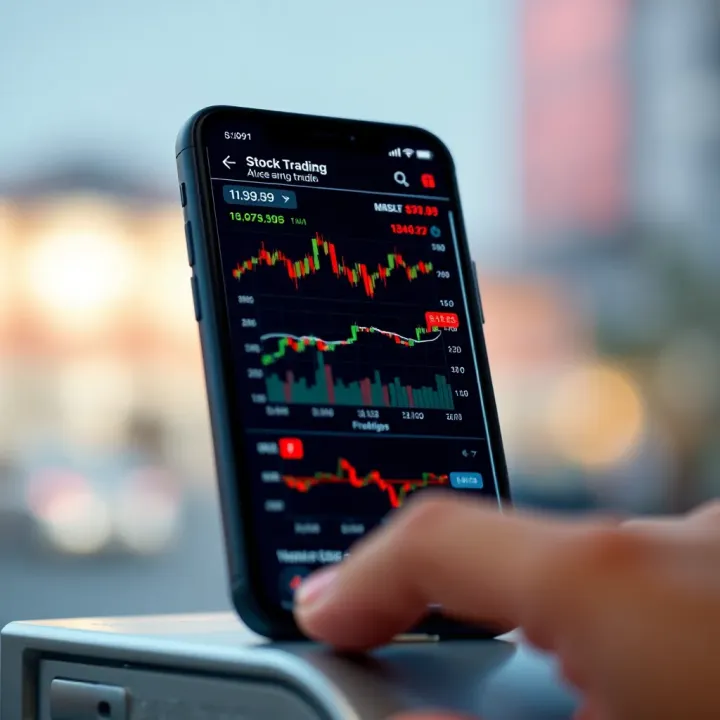
📱 Find the best mobile for trading in India with top performance, display, connectivity & security. Perfect for Zerodha Kite & other stock apps for seamless investing.
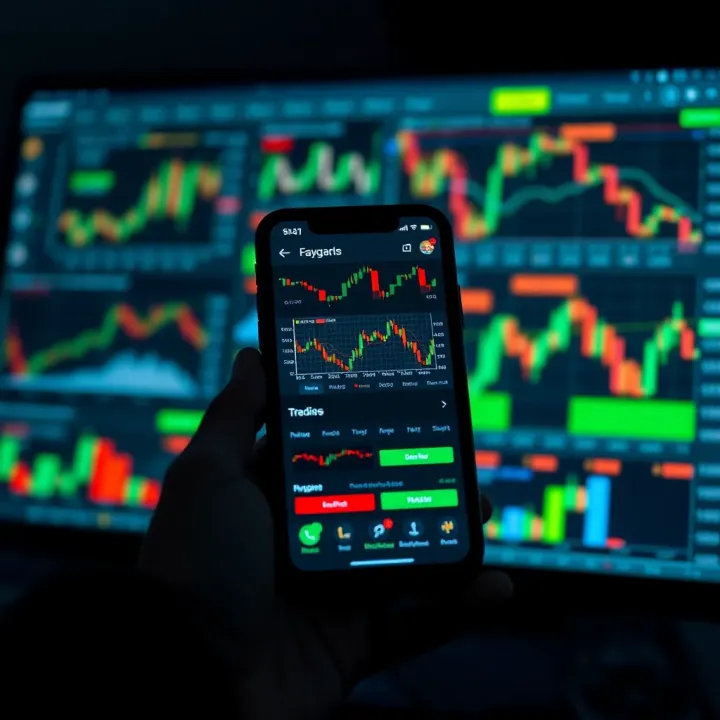
Explore top trading apps in India 📱 Compare features, ease of use, costs, and security to pick the best platform for your trading style. Stay updated and trade smart!
Based on 6 reviews